Content your team can run.
A headless CMS with the blog and knowledge base already built, and an API your developers will not fight.
- Already built
- Blog and help centre
- Your images
- In your own bucket
- Price today
- Free, no card
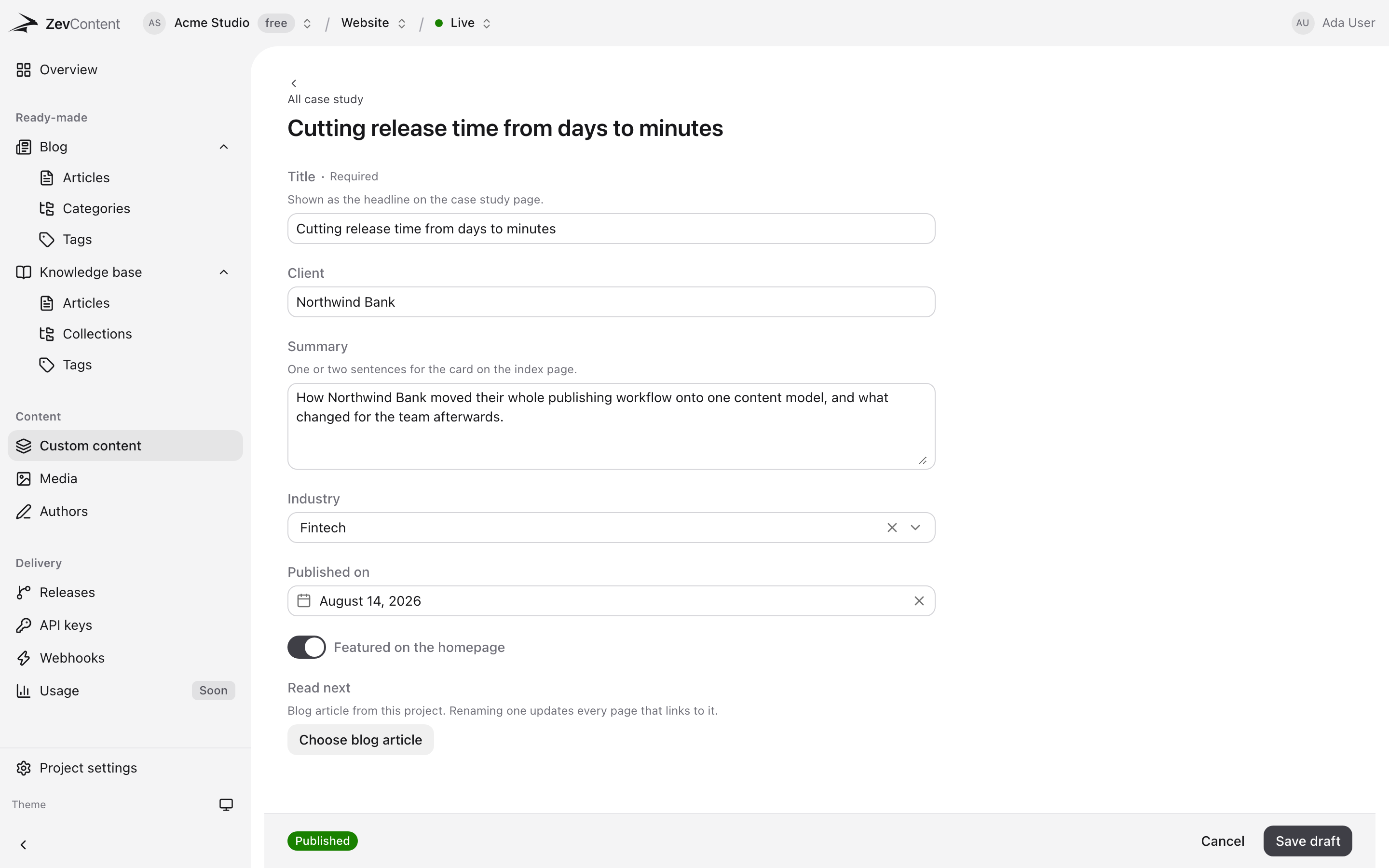
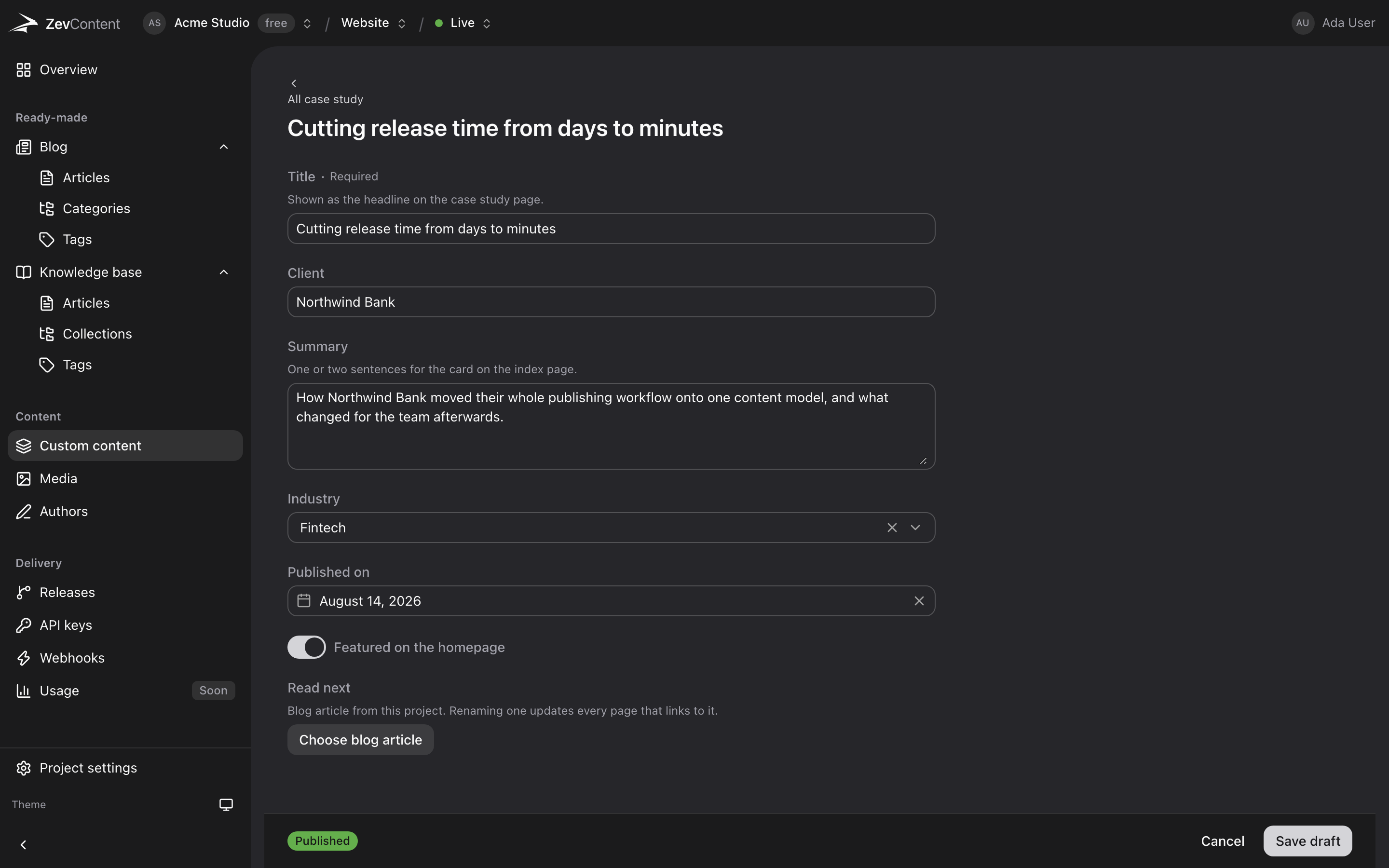
Built for four different people.
Find yourself, and skip the argument written for everybody else.
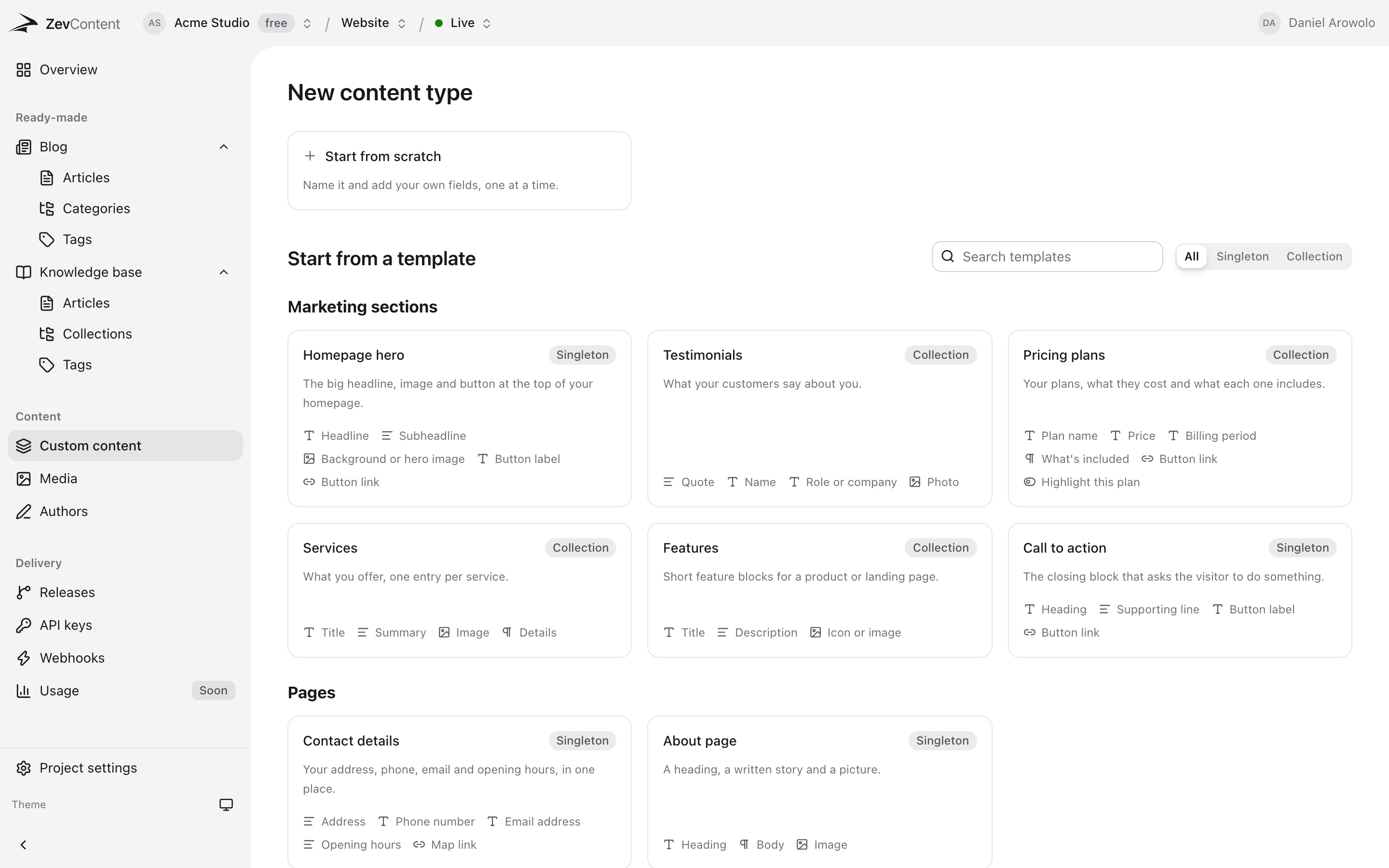
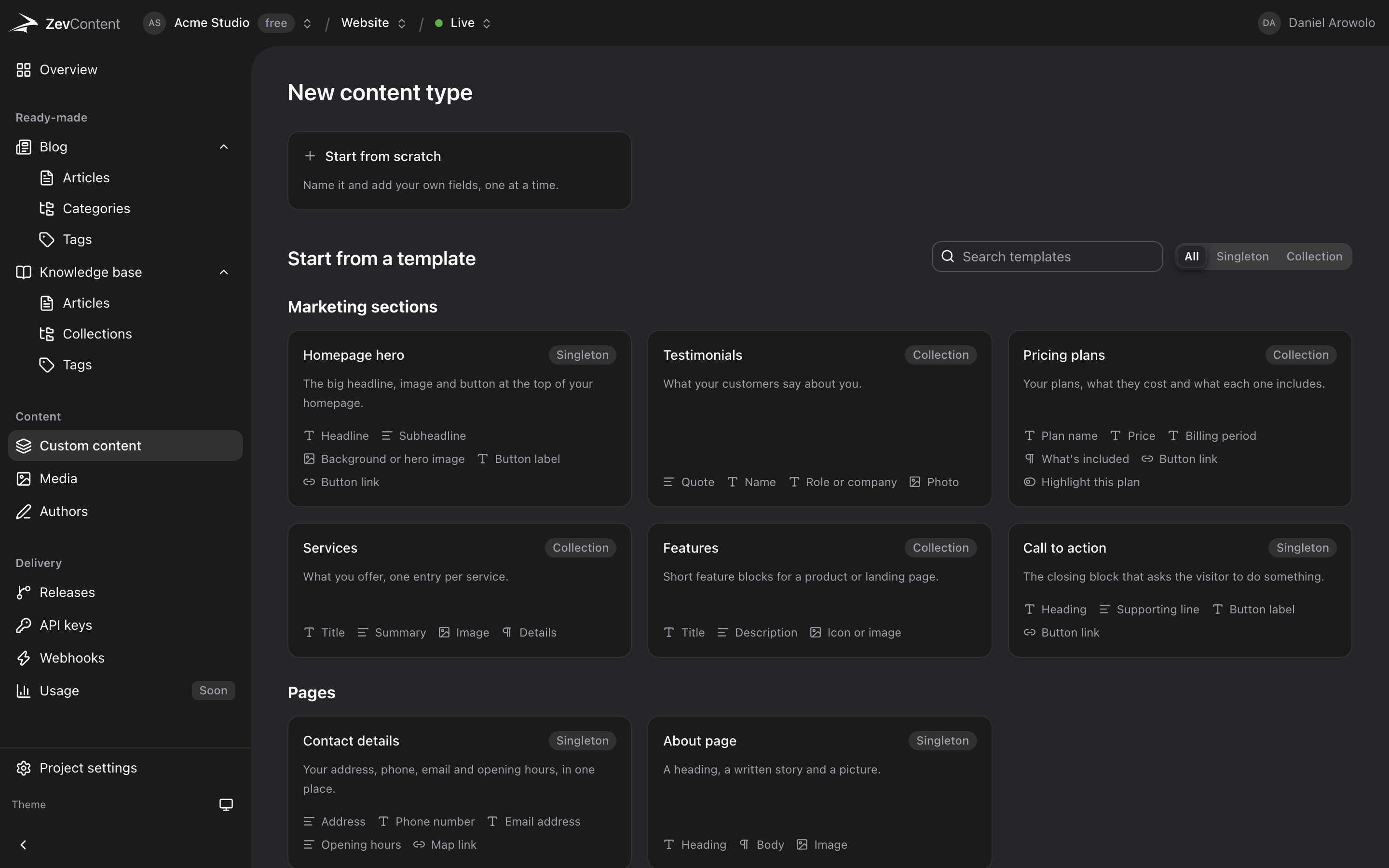
Start from a template, not a blank page.
The sections a site actually has, already modelled. Pick one, rename a field, start writing.
Stop rebuilding the blog.
Two of the three things every project models are already here.
Articles, authors, categories, SEO.
What it doesCollections, sections, ordered articles.
What it doesYour own types and fields.
What it doesYour bucket, not ours.
What it doesChange the model without breaking live.
What it doesNineteen events, every one signed.
What it doesBuilt for agents
An API that explains itself.
An MCP server exists to translate for an API that cannot describe itself. This one can, so an agent reads the project and starts working in a single request.
What an agent can do- No MCP server
- Nothing to install, host or keep in step with the API.
- One call, whole model
- Types, fields, response shapes, routes and events.
- Errors that teach
- A refusal names the fields that would have worked.
- Keys with a limit
- Scope an agent to one project and an expiry it can read.
$ curl -H "Authorization: Bearer sk_live_…" \
  https://api.zevcontent.net/v1/introspection

{
  "types": [
    { "slug": "case-study", "kind": "collection",
      "fields": [
        { "key": "title",   "type": "text",     "required": true },
        { "key": "cover",   "type": "image"     },
        { "key": "sector",  "type": "select"    },
        { "key": "related", "type": "reference" }
      ] }
  ],
  "endpoints": [ "GET /v1/content/case-study", … ],
  "events":    [ "entry.published", "release.published", … ]
}
Your content, in your stack, in four lines.
REST and JSON with a bearer token. There is no client library to learn and no build step to add, so this is the whole integration.
const res = await fetch(
  'https://api.zevcontent.net/v1/blog/articles',
  {
    headers: { Authorization: `Bearer ${process.env.ZEVCONTENT_KEY}` },
    next: { revalidate: 60 },
  },
);
const { data } = await res.json();

export default function Blog() {
  return data.map((a) => <article key={a.id}>{a.title}</article>);
}---
const res = await fetch(
'https://api.zevcontent.net/v1/blog/articles',
{ headers: { Authorization: `Bearer ${import.meta.env.ZEVCONTENT_KEY}` } },
);
const { data } = await res.json();
---
{data.map((a) => <article>{a.title}</article>)}const { data } = await useFetch(
'https://api.zevcontent.net/v1/blog/articles',
{ headers: { Authorization: `Bearer ${config.zevcontentKey}` } },
);
// <article v-for="a in data.data" :key="a.id">{{ a.title }}</article>export async function load({ fetch }) {
const res = await fetch(
'https://api.zevcontent.net/v1/blog/articles',
{ headers: { Authorization: `Bearer ${ZEVCONTENT_KEY}` } },
);
const { data } = await res.json();
return { articles: data };
}curl "https://api.zevcontent.net/v1/blog/articles" \
-H "Authorization: Bearer $ZEVCONTENT_KEY"
# Filter, sort and page the same way:
curl "https://api.zevcontent.net/v1/content/product\
?where[category]=ent_QYa7&sort=-price&limit=20" \
-H "Authorization: Bearer $ZEVCONTENT_KEY"Anything that can make an HTTP request works, including the ones not listed. See the API reference.
Live on ZevContent.
A cybersecurity company and a magazine about album covers. Two content models with nothing in common, one API, both in production.
-
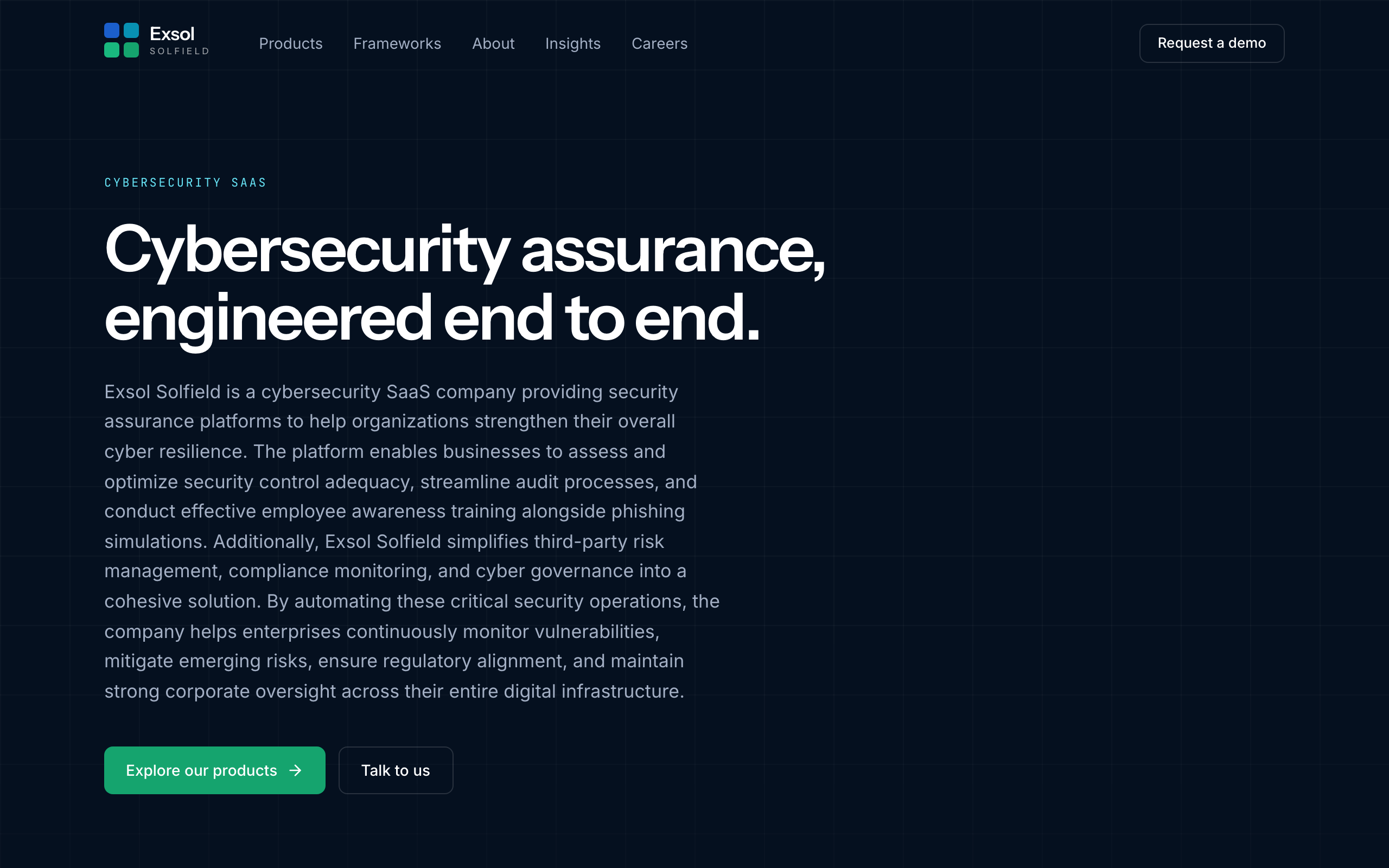 Exsol Solfield
A cybersecurity company publishing three security assurance products, the frameworks they map to, and an insights library.
Custom types for products and frameworks, the blog for insights.
-
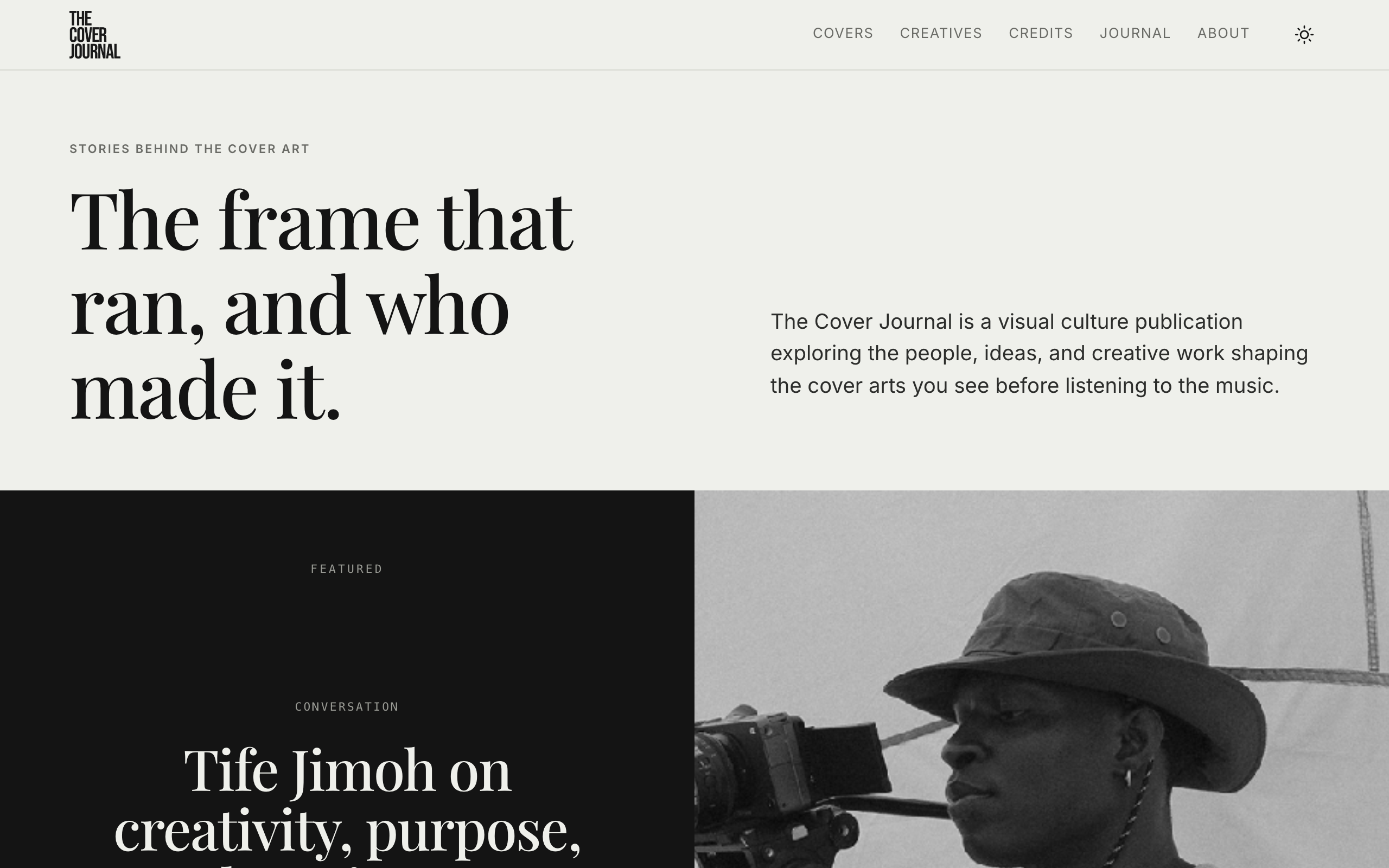 The Cover Journal
A visual culture publication about the people and ideas behind album cover art.
Custom types for covers, artists and creatives, the blog for the journal, and link fields for a menu that survives a rename.
Questions
What does ZevContent cost?
It is free while we are in beta, with no card required to start. Paid plans arrive when we ship them, and existing projects will not be cut off without notice.
Where are my images stored?
In your own object storage bucket, not ours. ZevContent holds the connection and signs uploads; the files stay in a bucket you own on ZevCloud, Amazon S3, Cloudflare R2, or any S3-compatible store. If you use ZevCloud you can connect a bucket in two clicks without handling a key.
Do I have to build a blog schema myself?
No. A blog and a knowledge base are built in, with articles, authors, categories, tags, SEO fields and rich text already modelled. Custom content types are for the things that are specific to your product, not for rebuilding a blog for the fifth time.
Can an AI agent set up a project on its own?
Yes, and without an MCP server or any other adapter. GET /v1/introspection returns the whole map in one request: every content type with its fields, the exact response shape of each one, every endpoint, every webhook event, and the relationships between types. Writes go through the same REST surface a website reads from. Errors name the fix rather than the failure, so an agent corrects itself without a human reading the docs.
How do writers publish without breaking the site?
Roles decide it. A writer edits and saves drafts but cannot publish. An editor publishes. A developer changes the structure. Nobody is shown a button their role would refuse.
Can I change the content model without breaking what is live?
Releases. Build the new structure and content in a release, point a preview deployment at it, then promote it in one atomic step. Readers see the old version, then the new one, never half of each.
How does my site know when something changes?
Signed webhooks, nineteen events covering entries, content types, media and releases. Every delivery is an HMAC over the raw body, and every event names its subject and the path to re-fetch, so you invalidate one page rather than dropping a whole cache.
Is there a way to link content without hardcoding URLs?
Yes, and it is the fix for menus that break. A link field stores the id of a blog article, category, author, or knowledge base entry, and resolves the current title and slug on every read. Rename the category and every menu that points at it follows.
Start with a project and a key.
Free while we are in beta. Paid plans when we ship them, and never a surprise bill.