Product
A second pair of eyes on the draft.
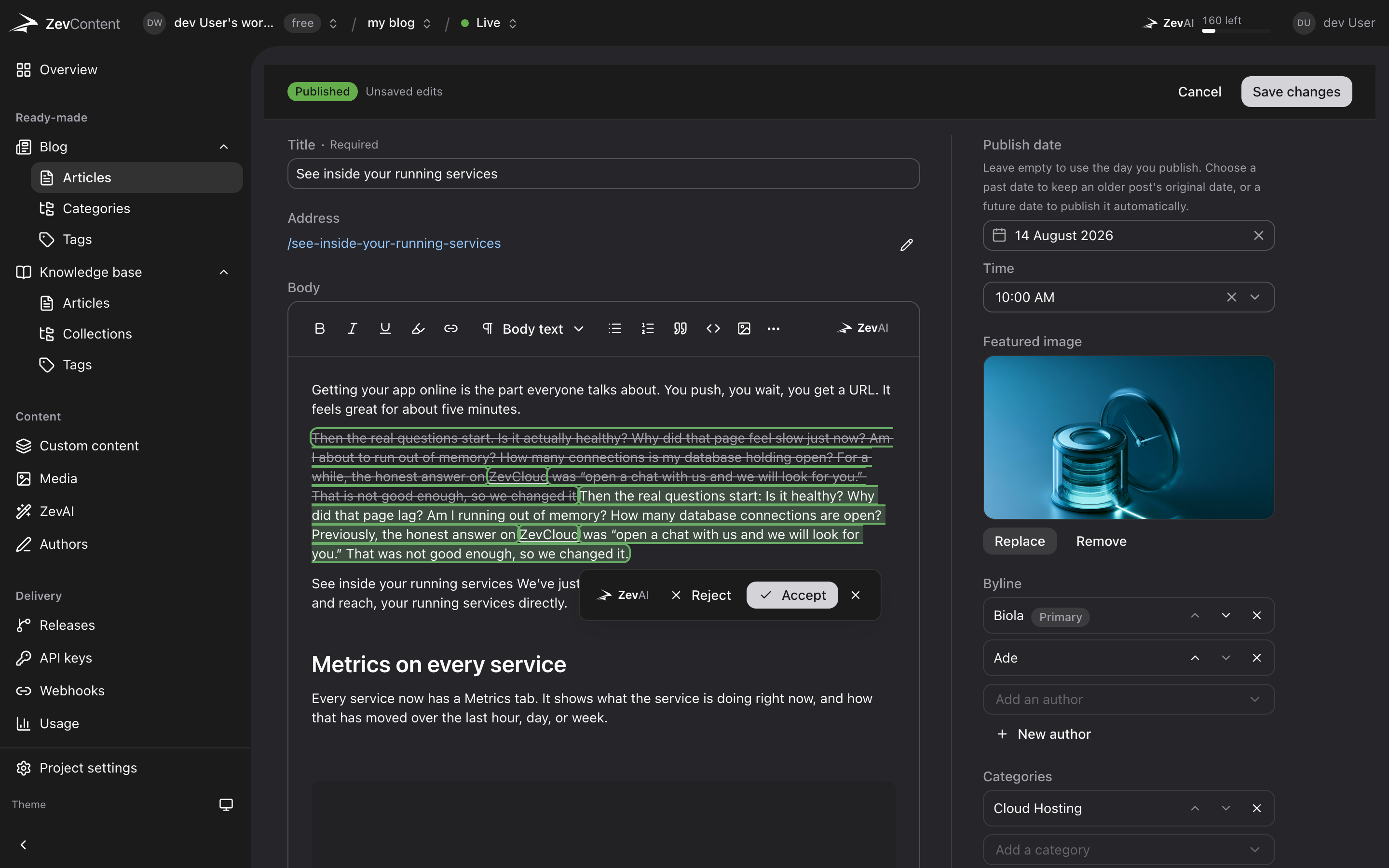
Rewrite a sentence, change the tone, proofread a page. Every suggestion is shown as a change you accept or reject.
Start free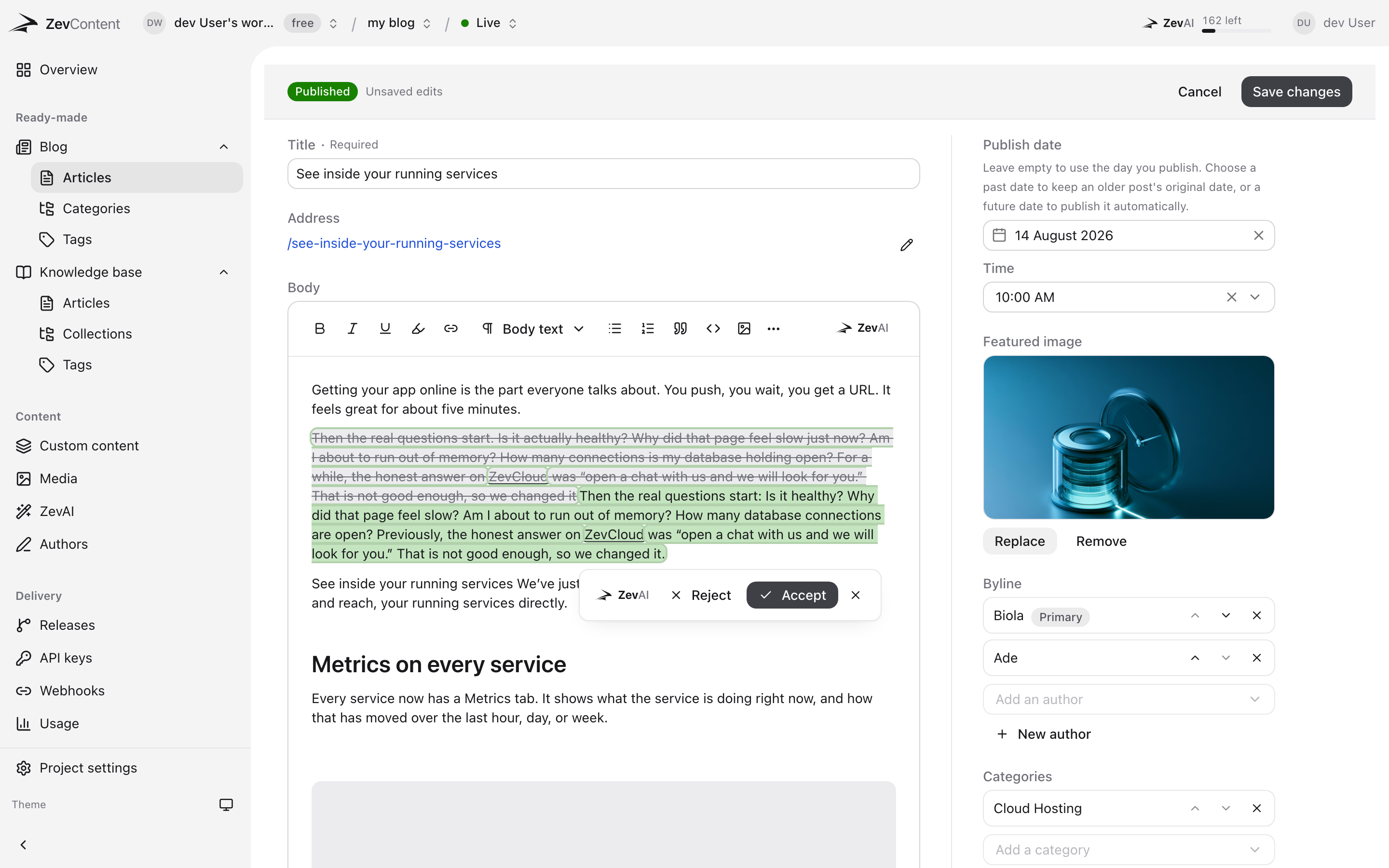
How it works.
-
Turn it on for the people who need it
The workspace owner grants ZevAI per member, on an invite or afterwards. Nobody gets it by default.
-
Select, or ask for the whole page
Highlight a sentence and pick what to do with it, or run proofread and rewrite across a whole article.
-
Read the changes, then decide
Every suggestion arrives as a tracked edit. Accept the ones that help, reject the rest, and nothing else moves.
- Nothing changes without a yes
- Suggestions arrive as tracked edits, old struck through and new highlighted. Take them one at a time or all at once.
- Eleven things it does
- Improve, four tones, shorten, expand, simplify, summarise, translate, or just ask.
- Off until you turn it on
- The workspace owner decides who gets it. A new member has it off unless they were given it.
- A monthly allowance, not a meter
- Actions are counted against your plan and stop there. Nothing is billed past it.
- 11
- things it does, from four tones to a plain translation
- 0
- words changed without somebody accepting them
- 1
- switch per member, held by the workspace owner
Frequently asked questions
What people ask about ZevAI before they commit to it.
Does it edit my content on its own?
No. Every suggestion is shown as a change against what you wrote, with the old text struck through and the new text highlighted. Nothing is saved until you accept it, and rejecting leaves the draft exactly as it was.
Is my content used to train anything?
No. Your text is sent to ZevAI to answer the request you made, and is not kept for training. ZevAI runs on infrastructure we operate, not a consumer chat product.
What happens when the monthly allowance runs out?
ZevAI stops until the allowance resets on the first of the month, and tells you how many are left before you spend the last one. Nothing is billed past your plan.
Can I stop a particular person using it?
Yes. It is granted per member by the workspace owner, on the invite or at any time after, and can be taken back the same way. A member without the grant never sees the controls.
Does it work on any field, or only articles?
Any rich text field, in any content type: a blog article, a knowledge base page, or a custom type you defined yourself. Summaries and SEO titles and descriptions can also be generated from what a page already says.
Start with a project and a key.
Free while we are in beta. Paid plans when we ship them, and never a surprise bill.