Product
Version the whole project, then promote.
Build the next structure and its content in a release, preview it, and switch atomically.
Start free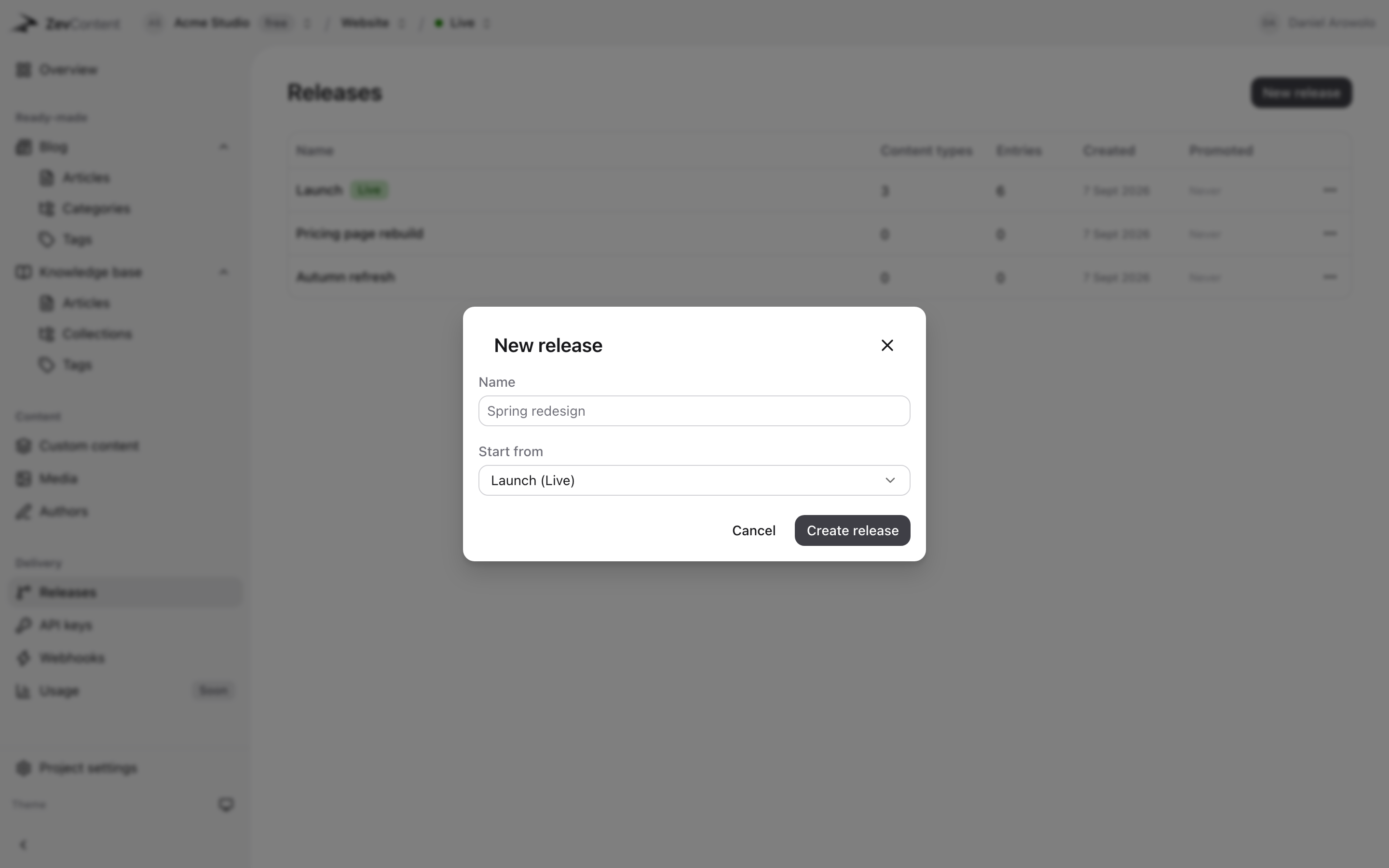
How it works.
-
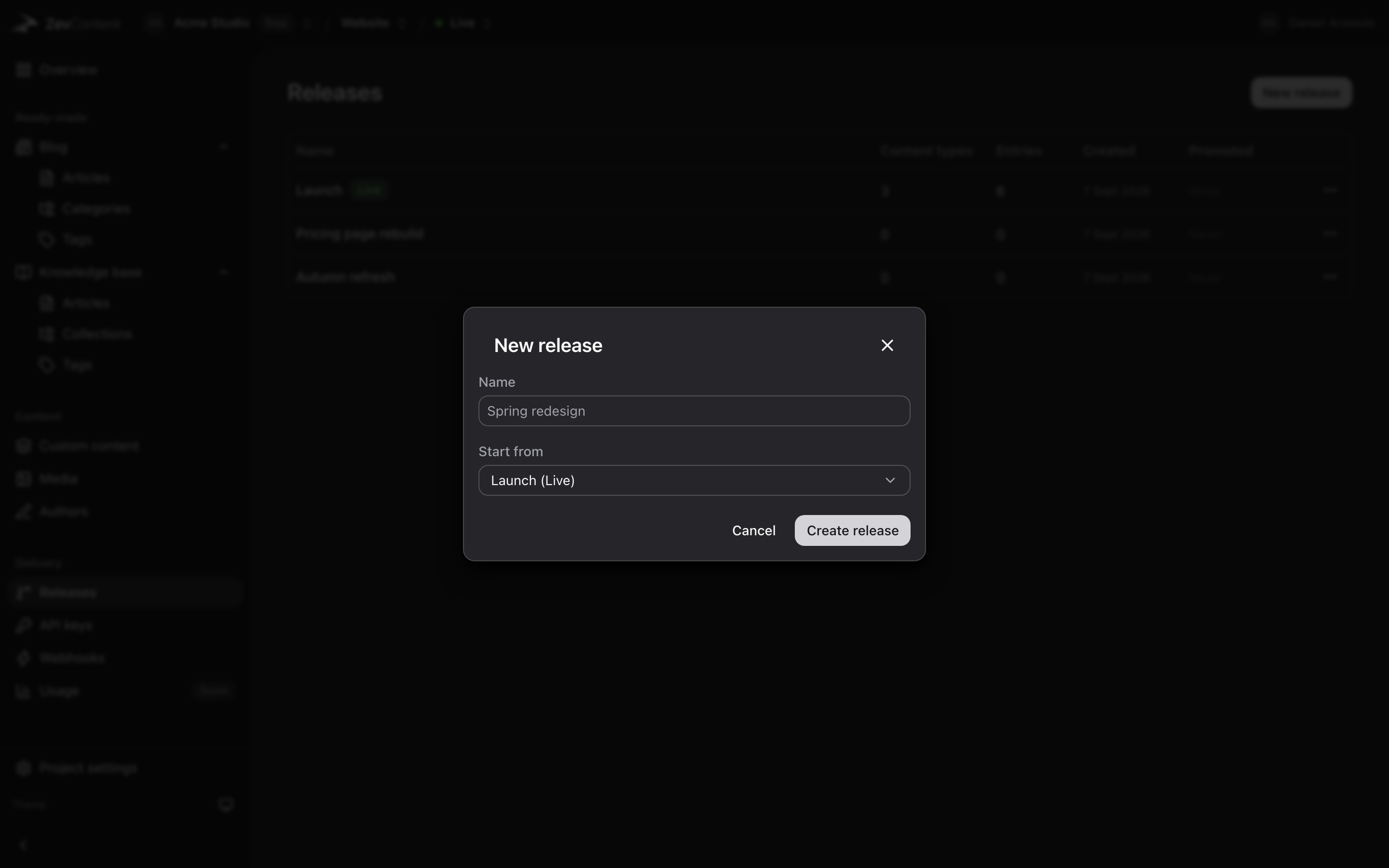
Start a release from what is live
It begins as a copy, including every link between entries, so nothing is half-migrated.
-
Preview it
Point a preview deployment at the release. Nobody else sees a thing until you promote it.
-
Promote in one step
Readers see the old version, then the new one. Never half of each.
- Preview before promoting
- Point a deployment at a release with one query parameter.
- Atomic switch
- Readers see the old version, then the new one. Never half of each.
- Clone and edit
- A release starts as a copy, including every link between entries.
- One event when it lands
- release.published tells a cache that everything may have changed.
- 1
- query parameter to preview the next version
- 1
- step to promote it
- 0
- readers who see half of each
Frequently asked questions
What people ask about releases before they commit to it.
Can I preview a release before it goes live?
Yes. Point a preview deployment at the release and read it exactly as your site would. Nobody else sees a thing until you promote it.
What happens to readers during a promotion?
They see the old version, then the new one. The switch is atomic, so nobody gets a page built from half of each.
Does a release copy my content or just the structure?
Both. A release starts as a copy of what is live, including every link between entries, so you are never editing a half-migrated model.
Start with a project and a key.
Free while we are in beta. Paid plans when we ship them, and never a surprise bill.